
Ideas people live by
Review the divine concept, cosmology, central claim and teachings. Adapt their language to the history and choices of your setting.
Belief becomes part of everyday life.
A rite shared by neighbours. A sanctuary with a disputed past. A tradition its followers can question and change. Prepare fictional faiths with doctrine, practice, sacred places and material for your table.
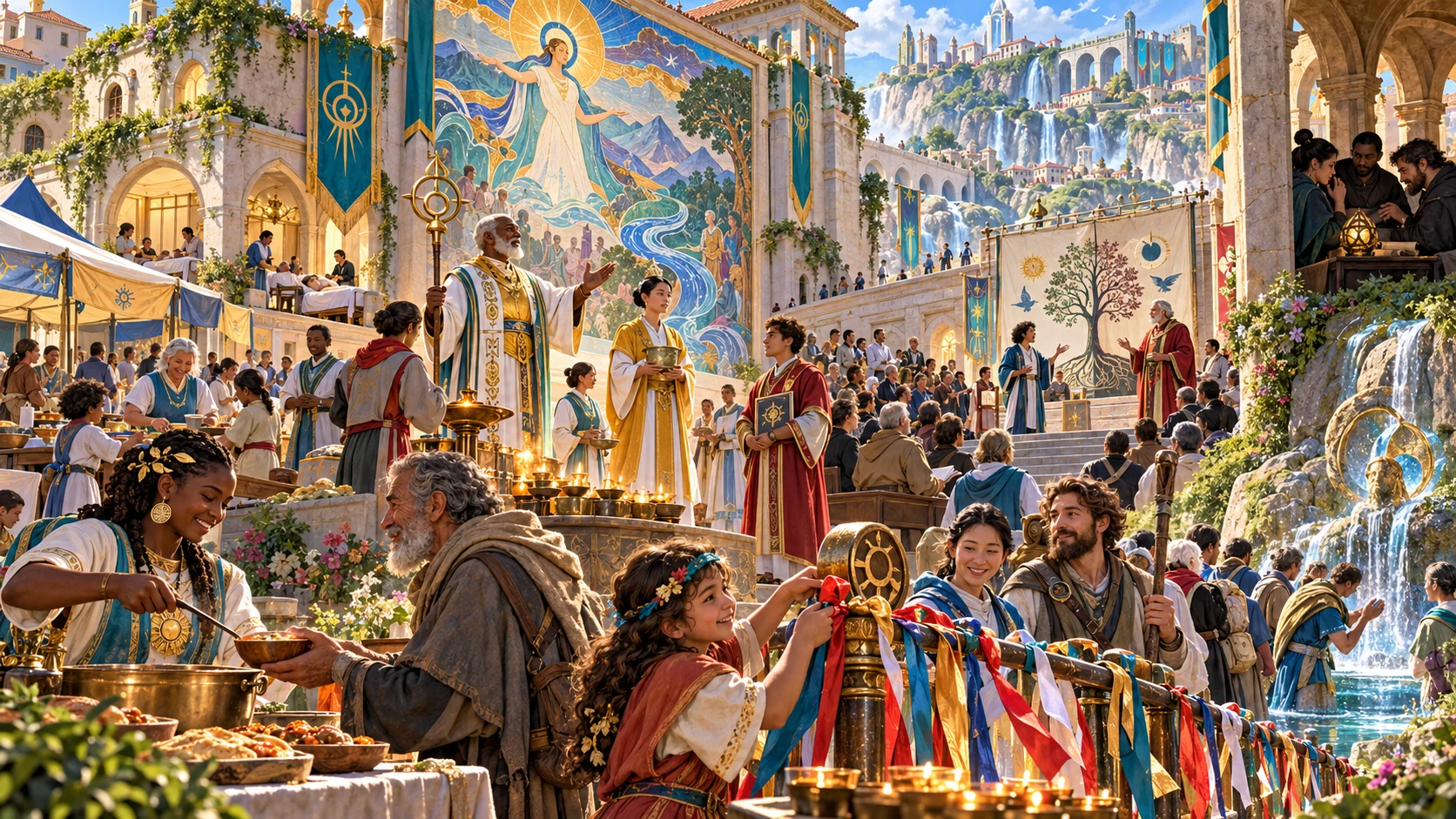
More than a temple or secret circle
Use an authored starting dossier to prepare how belief appears in public and private.
Review the divine concept, cosmology, central claim and teachings. Adapt their language to the history and choices of your setting.
Connect values and symbols with rites, holy days, taboos and life practices. Decide how communities express them at the table.
Read clergy, ranks, sects, schisms and social relations together. Prepare disagreement without assuming that hidden belief proves evil.
Keep the full DM dossier separate from the public primer. Review both after revising a faith before sharing it.
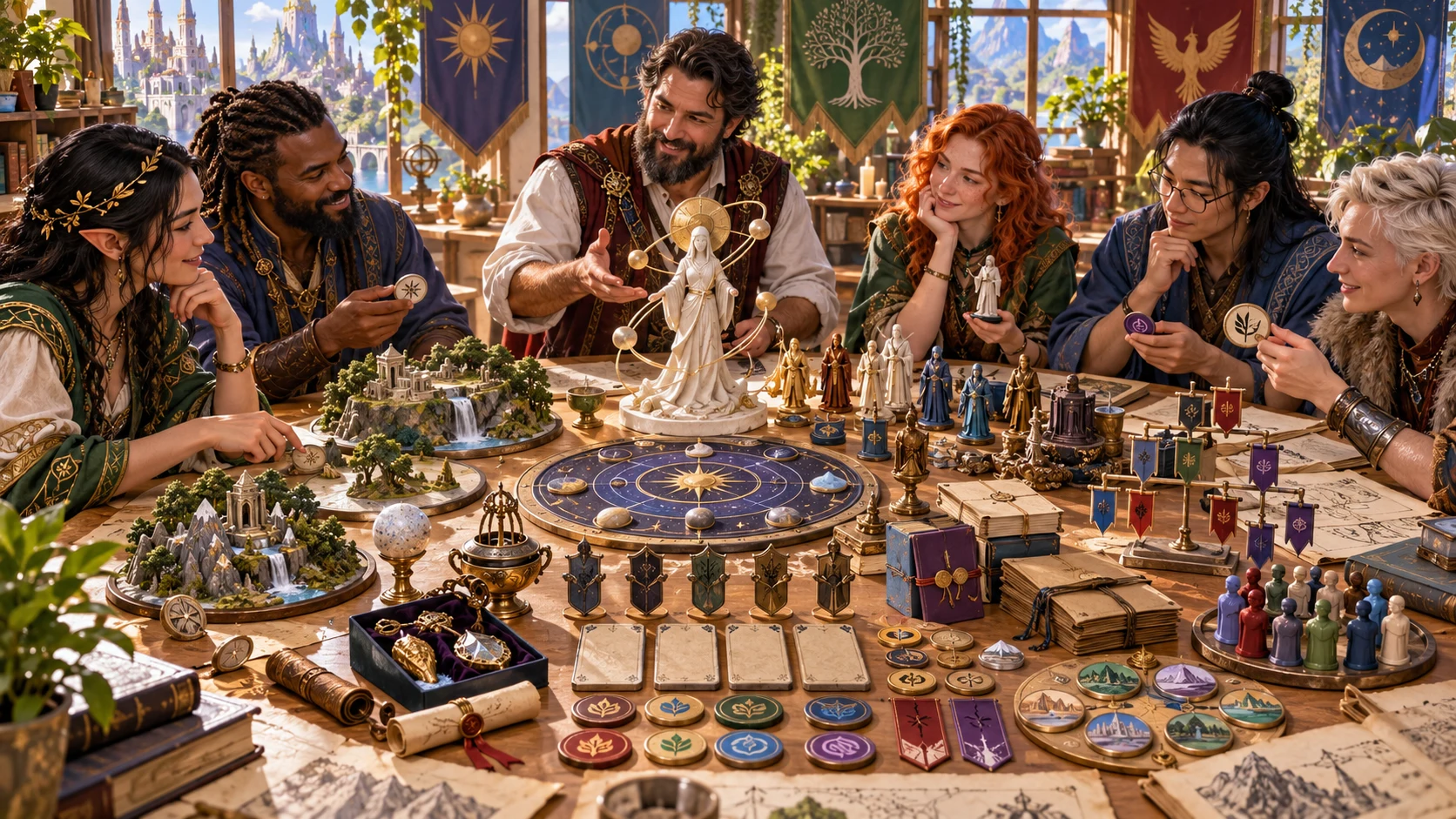
Designing a tradition
A tabletop group discusses symbols, sacred places and religious roles. The illustration suggests how a fictional tradition can become part of campaign preparation.
Use the authored prompts to decide what people value, how they practise it and where different interpretations meet.
From foundations to a reviewed dossier
Open Religion & Cult Generator on Windows through Desktop Command Centre.
Set faith form, scale and themes. Open Deep for the retained institutional controls, or start from a specialist preset.
Review theology, doctrine, practice, institutions and hooks. Many passages are authored prompts for you to adapt rather than simulated events.
Edit the structured record or reroll one area. Review its connection to retained divine ideas, cosmology, parameters and public material.
Save the reviewed faith. Update and check its player primer, then copy or download the appropriate view and keep your full JSON backup.
Preparation with room for interpretation
Explore a fictional tradition while keeping its meaning in your hands.
Choose a faith form, scale and themes. Generate an authored starting dossier, then adapt its language and institutions to your fantasy world.
Review divine ideas, teachings, values, symbols, clergy, rites and holy days together. Make their meaning clear through what people actually do.
Read sects, schism pressure and peaceful approaches. Use the material to prepare reform, disagreement and public accountability without treating doubt as evil.
Review holy-site custody, public roles and complications. Connect pilgrimage, archives and civic relationships to the locations in your campaign.
Reroll doctrine, rites, sects, holy sites or relic traditions. Locks protect the selected area; check the retained foundation and player primer after each change.
Switch between the full DM faith and public primer. Review the primer after edits or rerolls, then copy or download the view you intend to share.
Save validated records with world notes in your account. Search, duplicate and reopen them, including up to ten retained prior snapshots per faith.
Send an eligible exceptional scene to Combat PRO when needed. The handoff supplies an objective and context; configure participants and the encounter separately.
Different starting points, one workspace
Specialist presets prepare controls for the same complete dossier.
Choose a single divine principle, related powers, spirits, philosophy, ancestors or an order tradition. The first two themes shape the main theology and teachings.
Review visibility and secrecy choices, including an option without cult cells. Private teachings remain DM material; public sharing always needs your review.
Set clergy hierarchy, orthodoxy, schism and state relationships. These choices adjust bounded fields and labels rather than running a changing society.
Choose benevolent, ambiguous or hostile tone. Tone does not determine truth or the morality of every adherent. Keep non-violent approaches visible.

A fictional faith dossier
Symbols, relics, clergy and sacred places suggest a faith dossier. The product generates structured text, not this artwork or physical game pieces.
Copy or download the current view: full DM JSON or the reviewed player primer. Keep full JSON for every authored field.
Revise deliberately
Scoped rerolls preserve unrelated fields, including earlier public material.
Doctrine includes values. Rites includes blessings, holy days and life practices. Sects includes schisms and cult cells. Holy sites and relic traditions have separate areas.
Divine ideas, cosmology and parameters retain their earlier content during scoped rerolls. Check that revised doctrine or practice still agrees with them.
Generation uses a seed and a generation counter. The same visible seed alone does not recreate an exact draft. Keep full JSON for an exact backup.
Rerolls and structured edits do not refresh the primer automatically. Edit and review public material before sharing it. Full Generate does not apply scoped locks.
Useful checks, thoughtful preparation
A structural check cannot decide the meaning of every belief or edited passage.
Saving checks required sections, fictional-only flags and selected private field names in the primer. It does not prove full doctrinal consistency or complete spoiler detection.
Review public claims, private teachings, social consequences and edited passages. The result is fictional text to adapt, not a simulation of worship, conversion or institutional change.
This dossier describes religious ideas and practice. Generic faction operations, physical sanctuary design and complete public events belong to their respective tools.
Combat PRO receives an objective and boundary note without participants, maps or creature statistics. Separate access and an available prepared slot are required. Configure the scene before play.
Choose access for your toolkit
Create a free account, then review the paid selection that fits your preparation.
Select Religion & Cult Generator individually. A free account does not by itself include paid generator access.
Choose five eligible standalone generators. The selection pack does not include every VISINVOKE product.
Review current pack options and selection terms before changing your subscription. Choose tools for the tasks you actually use.
An optional handoff does not include Combat PRO ownership or change your subscription. Review that product’s access separately when you need it.

Save a reviewed tradition with your notes. Search by name, form, scale or notes, and open a saved record for another session.
Each record retains up to 10 prior result snapshots with Open prior version controls. Keep your own JSON backups for important drafts.
Saving replaces the account faith library. There is no offline saving fallback or automatic merge between open windows; wait for a confirmed save and avoid competing edits.
Copy and download use the active DM or player view. DM-view print contains secrets. Close the structured editor and review the audience before printing; export does not validate first.
The same seed uses the same saved identity. Duplicate a faith for a separate record and review its retained primer name. Opening restores result, notes and locks, not the form, seed or generation counter. Review controls before generating again.
Continue your tabletop preparation
Each card opens its own public website. Review purpose and access separately; links do not promise included access or automatic synchronisation.

Discover and open your supported Windows products through one connected VISINVOKE account.

Explore environment packs for the workplaces, roads and expedition locations your campaign visits.
Prepare an optional selected sacred confrontation, then configure it in this separate product with its own required access.
Create fantasy character, creature, item and location imagery for your tabletop preparation.

Create guided commercial visuals for websites, brochures and other creative projects.

Explore a separate futuristic RPG world with its own characters, rules and progression.
Product artwork illustrates fictional faith preparation, not application screens or actual generated image output.
Quick answers
Understand what changes, what is checked and what needs a DM review.
Quick hides advanced controls while using the same retained form values. Deep exposes visibility, clergy hierarchy, ritual, miracles, missionary tendency, orthodoxy, schism, state relations, secrecy and tone. Specialist presets prepare those controls; they do not create a different output format. The first two themes shape the main theology and teachings. Review and adapt the authored prompts rather than expecting a simulation of belief or society.
Generation uses the seed and a generation counter. The same visible seed alone does not recreate an exact draft. Keep full JSON for an exact backup. Faiths generated with the same seed have the same saved identity, so saving can update that record. Duplicate a faith to keep a separate identity. Fresh faith resets its controls, result, counter, locks and notes while retaining the saved account library.
Locks protect the selected reroll area. Rerolling doctrine replaces doctrine and values; rites replaces rites, blessings, holy days and life practices; sects replaces sects, schisms and cells. Holy sites and relic traditions have their own areas. Other fields retain their earlier content, including parameters, divine ideas, cosmology and the player primer. Check that new details agree with the retained foundation. Full Generate creates a new draft without applying scoped locks.
Switch to Player primer before copying, downloading JSON or printing. Generated primers omit the private teachings, cell structure and DM truths, but rerolls and structured edits do not refresh the primer automatically. Review it for accuracy and spoilers yourself. Validation checks required sections, fictional-only flags and selected private field names, not every possible disclosure. Full DM JSON and DM-view print contain private material. Close the structured editor before printing.
Saving validates the faith and replaces the account faith library. There is no offline saving fallback or automatic merge between open windows. Up to 10 prior result snapshots have Open prior version controls. Opening restores the result, notes and locks, not the form, seed or generation counter; review those controls before generating or rerolling again. Duplicate gives the DM record a new identity and name; review its retained primer name too. Keep JSON backups of important versions.
Select the eligible exceptional physical scene when available. It carries an objective and boundary note, without the faith dossier, secrets, participants, maps or creature statistics. Separate Combat PRO access and an available prepared slot are required. Configure the encounter there before play; sending does not start combat. Repeating the same faith and scene identity acknowledges the original import rather than updating it after edits. Faith design and non-violent options remain here.
Continue in VISINVOKE
Create a free VISINVOKE account and choose the required standalone generator access.
Get Desktop Command Centre from your account installer page. Sign in on Windows, then open Religion & Cult Generator.